Hi there, to publish on this website pls follow the instructions as below. If you face any problem pls feel free to contact us on 8750022846.
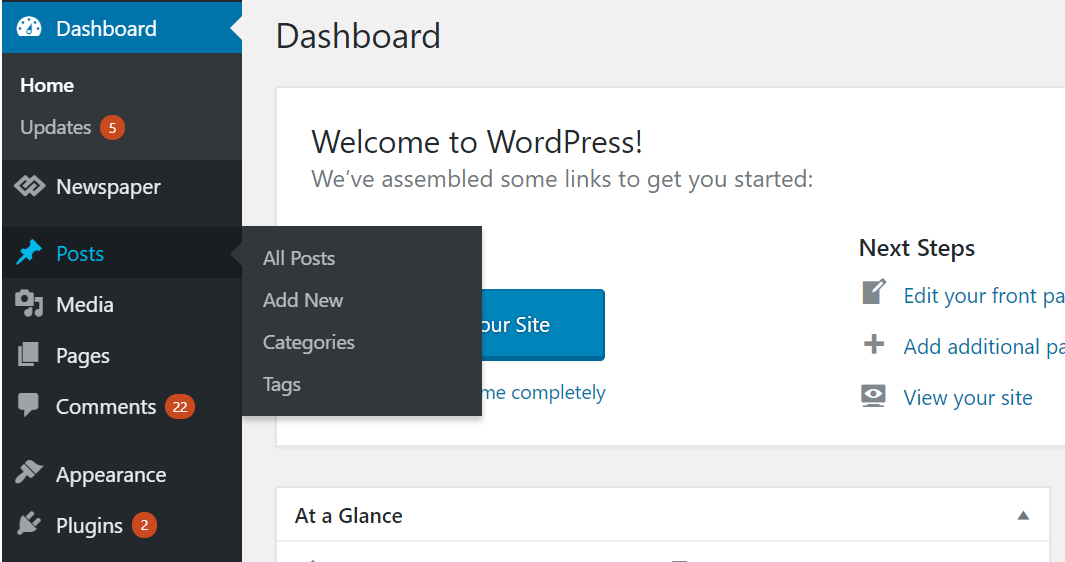
Step 1: Just click on post>>New Post
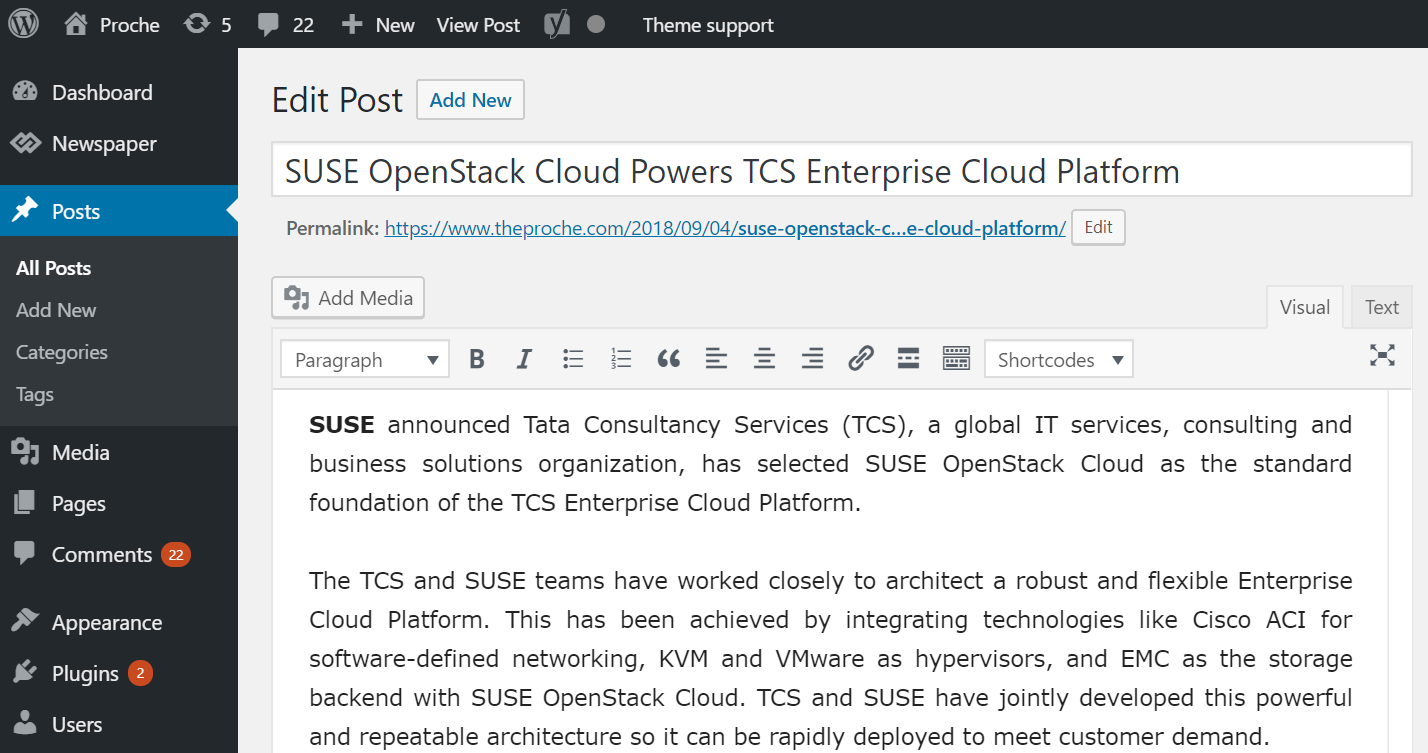
Step 2: Put the title in title box and body content in the body
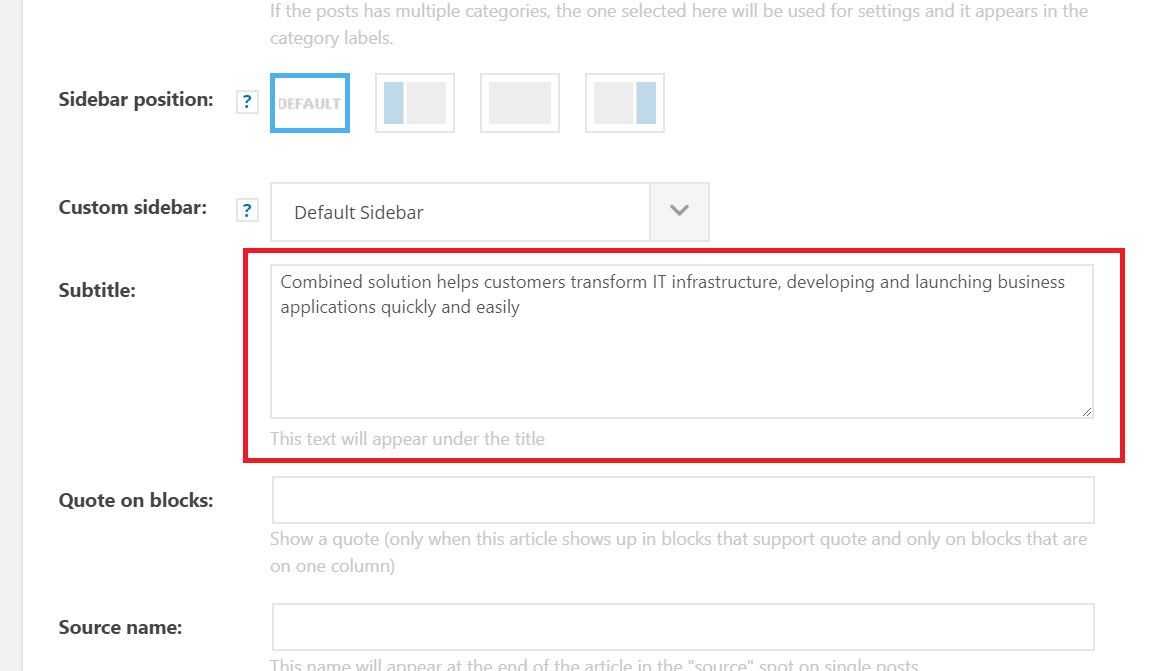
Step 3: Put subtitle if there’s any in subtitle panel. Just below the body text.
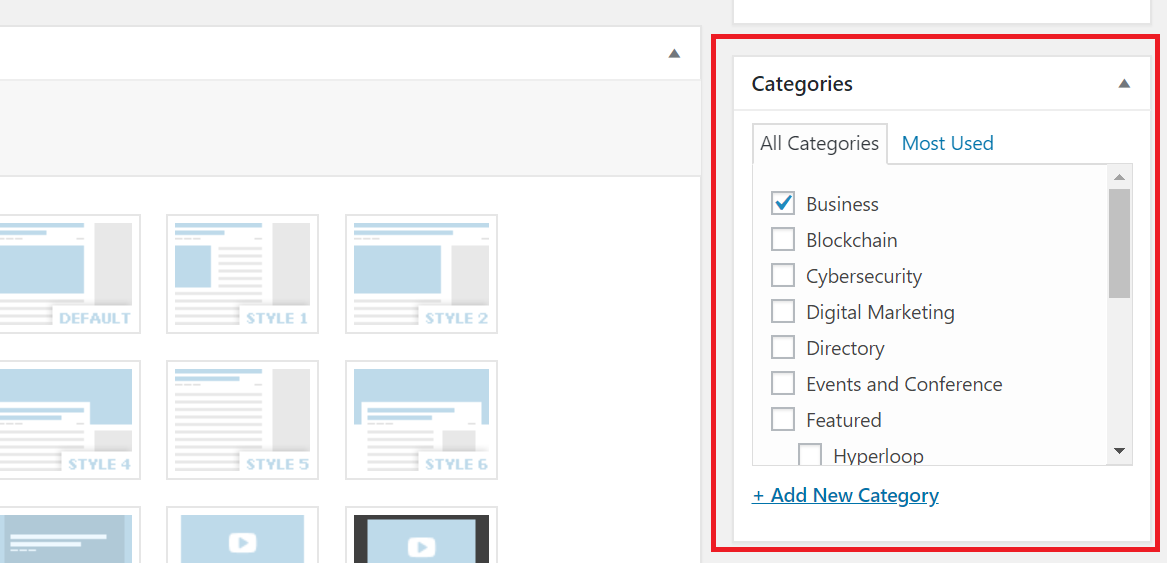
Step 4: Select the post category. If the category is not available, pls select the business category for the rest business categories which are not available on the site.
Step 5: Select the featured image. If the company logo is already in the library, select it from there or upload a new one from your computer. Featured image should be 600X400 (WidthxHeight) pixel.
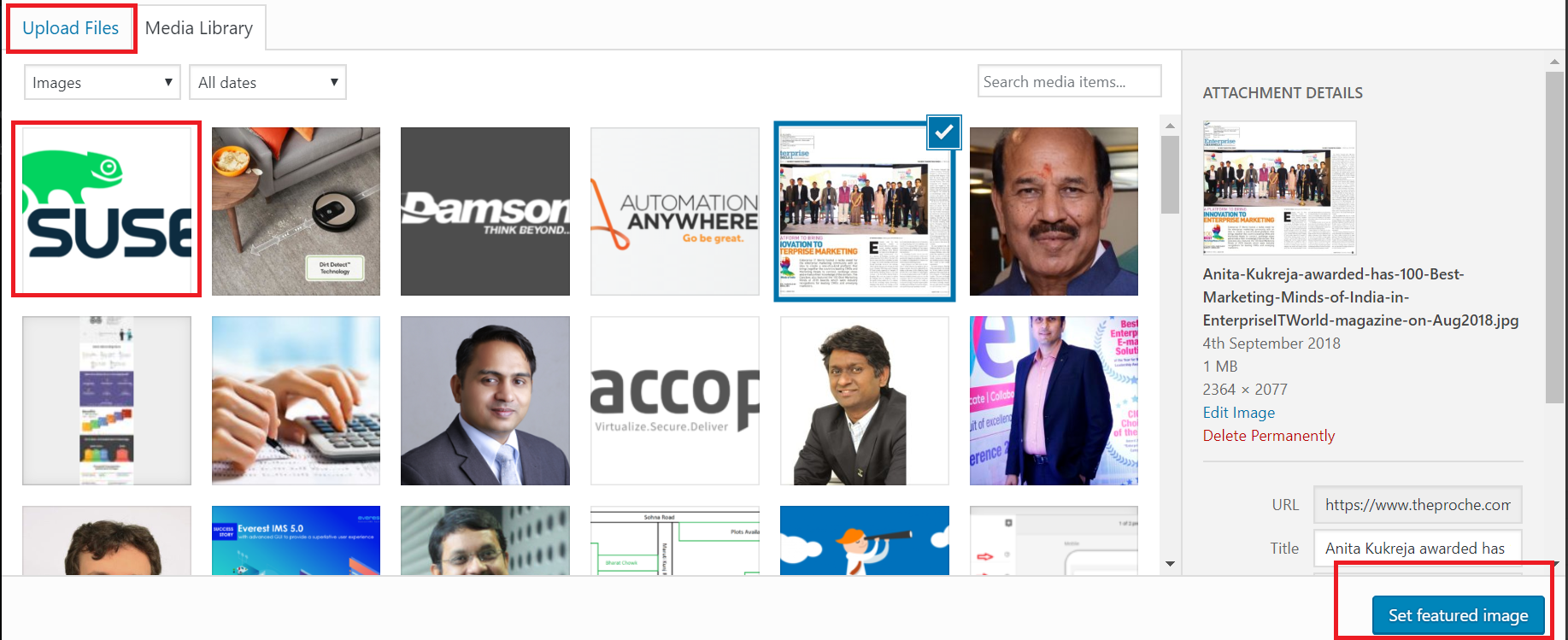
Step 6: Click on the publish button.
Step 7: You can view published article just by clicking on view link at the top of the editor’s panel.
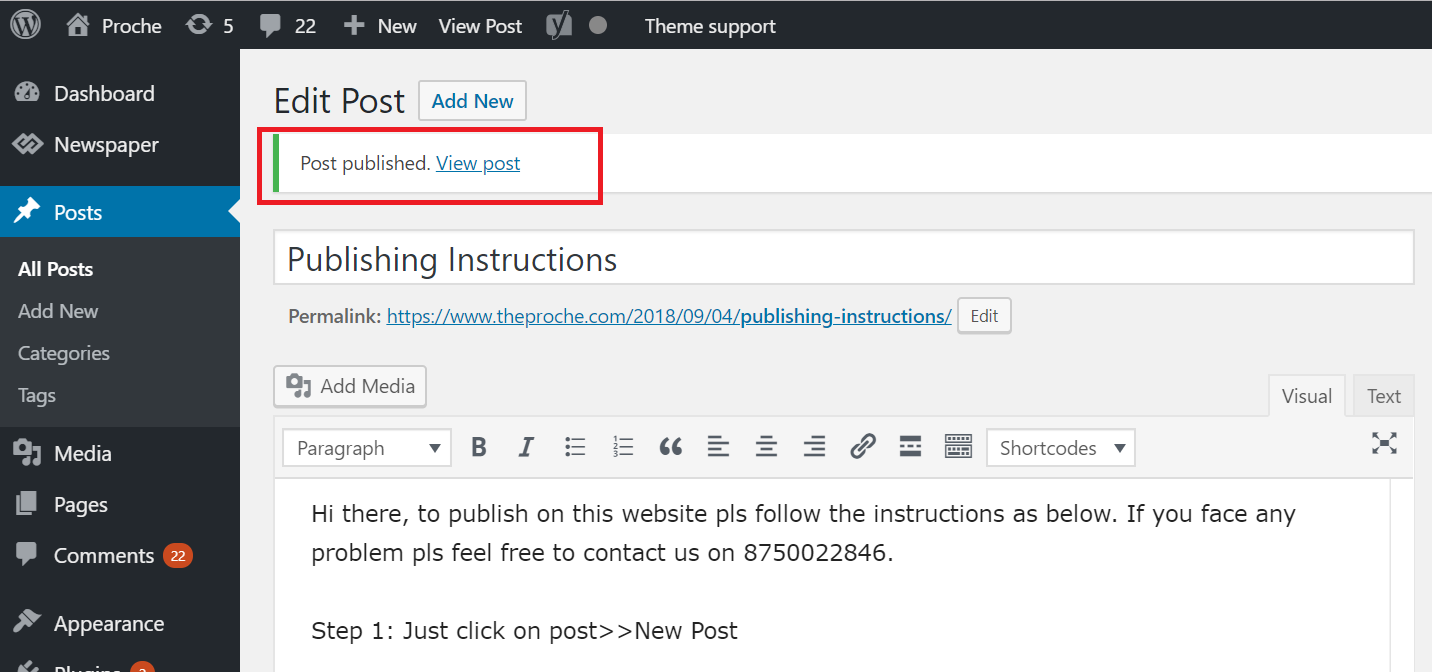
Step 7: Once published, pls share the URL with us. We will share the same on twitter.
Check one of our published article: https://www.theproche.com/2018/09/04/suse-openstack-cloud-powers-tcs-enterprise-cloud-platform/
Thanks for your time.